

Geofencing in the fleet: set boundaries, trigger alerts, gain control
What geofencing does in the fleet: virtual zones, automatic alerts on entry and exit, protection against unauthorised use. With practical scenarios.

What is geofencing in the fleet?
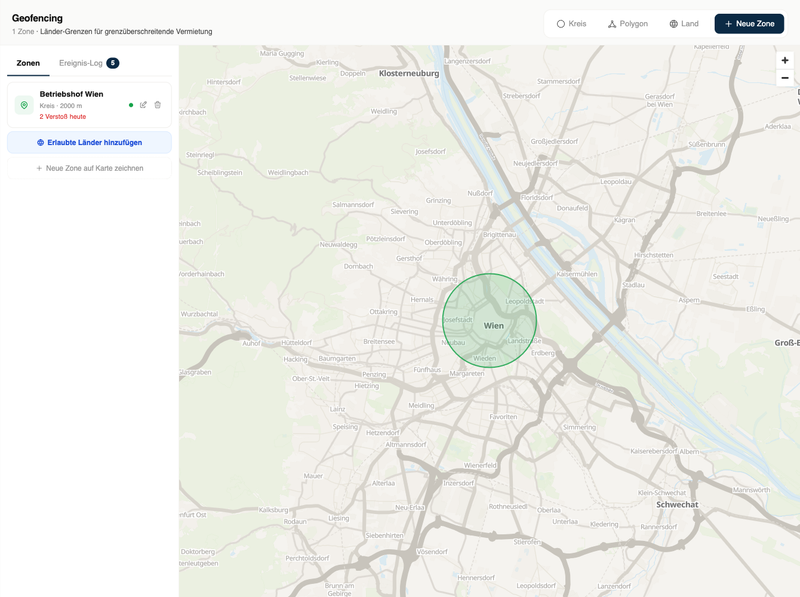
Geofencing means virtual zones on the map, drawn as a circle or polygon, for example around the yard, a job site or a delivery area. When a vehicle enters or leaves the zone, the system triggers a notification automatically. That creates control without looking at the map by hand.
The live map shows where vehicles are. Geofencing turns the logic around: it reports itself when something happens that deserves attention. Instead of watching the map, you define once what is normal and are only informed when that is departed from. That makes geofencing perhaps the most underestimated tool in daily fleet work.
What geofencing is
A geofence is a virtual boundary on the map: a circle around the yard, a polygon around a job site, a zone along a delivery area. The tracking platform continuously checks whether vehicles cross these boundaries and triggers a defined action on entry or exit, usually a notification to dispatch.
Technically this is undemanding: no extra hardware, only the existing GPS tracking and a platform that can manage zones. At TrackLog, zones are drawn as a circle or polygon directly on the map; alerts are included in the base price.
Typical uses
Yard control. The standard zone in almost every setup: who leaves the yard when, who returns when? That replaces manual attendance lists and makes start of work and end of tour traceable, without anyone having to enter anything.
Job sites and assignments. A polygon around the site automatically documents when which vehicle was on site and for how long. For evidence towards clients this is the answer to “were you even there?”, with a timestamp.
Delivery and service zones. Zones around recurring customer sites log arrivals and dwell. Combined with ETA, customers can be informed automatically shortly before arrival.
Border crossings. Relevant for rental and international tours: a zone along the national border reports when a vehicle leaves the country, for example if the rental contract excludes that. More on the industry page vehicle rental.
Security value: react faster instead of searching later
The security value of geofencing lies in response time. A vehicle that leaves the yard at three in the morning is either a special case or a problem. Without geofencing that shows up the next morning; with geofencing, immediately.
Important for realistic expectations: geofencing does not prevent theft and does not replace mechanical security. What it does: immediate notification of unauthorised movement, an alert if the tracker is tampered with, and the last known location as a starting point for follow-up. That is honestly less than “theft protection”. And in practice still the difference between hours and minutes of head start.
Operational value: documentation that writes itself
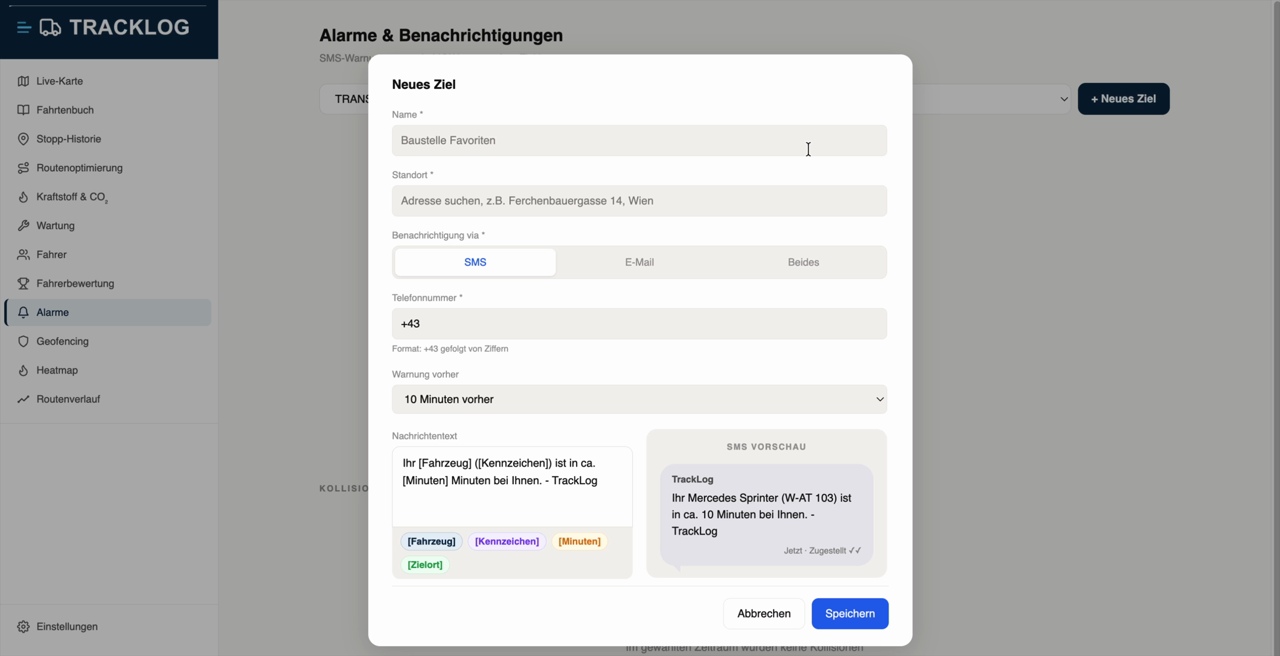
Besides security, geofencing automates documentation routines that otherwise run by hand:
- Arrival and departure times at recurring places are logged automatically, for billing, assignment evidence or internal analysis.
- Dwell in zones shows where time is lost: which ramp regularly blocks? Which site eats waiting time? The matching metrics are in the fleet KPIs guide.
- Zone reports turn individual notifications into patterns, as a basis for tour and resource planning.
What to watch when using it
Define the purpose before zones exist. Geofencing is a tool for site protection and process documentation, not for personal behaviour control. Anyone introducing zones should name the purpose internally.
Transparency in the team. Drivers must know which zones exist and what is reported. That is not only required under data-protection law (GDPR and the Labour Constitution Act; details in fleet management and privacy in Austria), it also decides acceptance.
Fewer zones, clearer signals. Anyone who zones everything gets alert fatigue. Starting with two or three zones (yard, most important sites) and expanding deliberately has proven itself.
Conclusion
Geofencing turns passive tracking into an active early-warning system: it reports deviations, documents routines automatically and in an emergency shortens response time from hours to minutes. At TrackLog geofencing is included with no surcharge: draw zones, set alerts, done. Get started: Order now or first see the feature set.
Frequently asked questions
How do you set up a geofence?
Which alerts are possible?
Does geofencing help against theft?
Can geofencing be used in a privacy-compliant way?
See the fleet live. Today.
The device arrives by post. Plugged in in under 1 minute, cancel monthly.
Order now